
360 feedback
Multi-rater feedback leaders can act on
TalentMap sets up and runs your 360 program with you, from rater nominations through to the debrief that turns a report into a development conversation.

How a cycle runs
Designed so people tell you the truth
Nominations with guardrails
Subjects nominate their own raters across self, manager, peers and direct reports, within minimum and maximum thresholds. Nominations go to an approver, usually the subject's manager.
Questions matched to the relationship
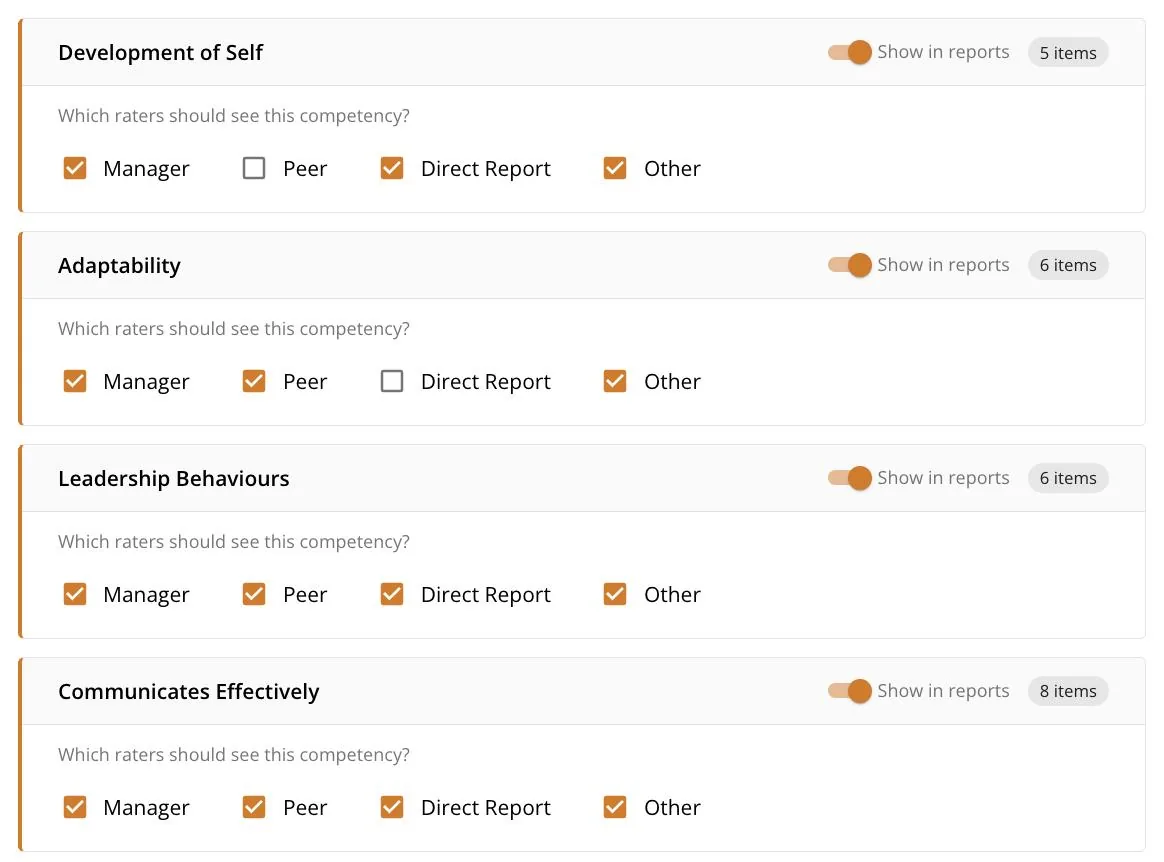
A single questionnaire with branching asks role-specific questions of each rater type, so a peer and a direct report are not answering the same thing.
Confidentiality built in
Thresholds are configurable per project and set separately for scores and for verbatim comments. A rater group that falls below threshold is merged.
The report
What the subject receives
Built for development
A competency radar comparing self against others, per-competency detail, ranked strengths and development areas, and blind-spot callouts where self and others diverge.
Comments in context
Verbatim comments grouped by rater relationship, so feedback is read for what it is rather than guessed at.
Benchmarks where they exist
A benchmark overlay on each competency where benchmark data exists. Where it does not, the overlay is left out rather than filled in.
The debrief
A report on its own rarely changes behaviour
A TalentMap-led debrief follows the report. That conversation is where a subject works out what the pattern means, which competencies to focus on, and what to do differently next quarter. The platform supports the conversation. It does not replace it.
Working with TalentMap
We set up and run the cycle with you
Set up and run
Project, participants, questionnaire, timeline and branding, configured and operated alongside you rather than handed over as an empty tool.
Branded end to end
Your logo, your primary colour, your project name, branded invitation emails and branded PDF reports.
A controlled lifecycle
Draft, nominations open, in progress, reports ready and closed, with guardrails at each transition. Invitations and reminders are configurable per project, with editable templates.
Sharing and export
The subject decides who sees it
Subjects can download their report as a PDF or an Excel file, and can choose to share it with their manager. The subject starts that share. Administrators cannot force it.